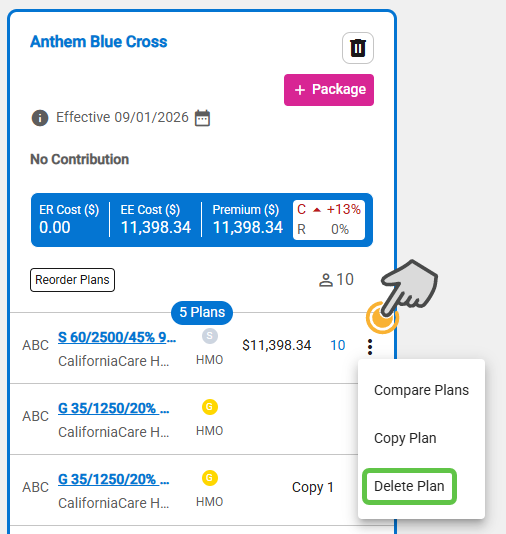
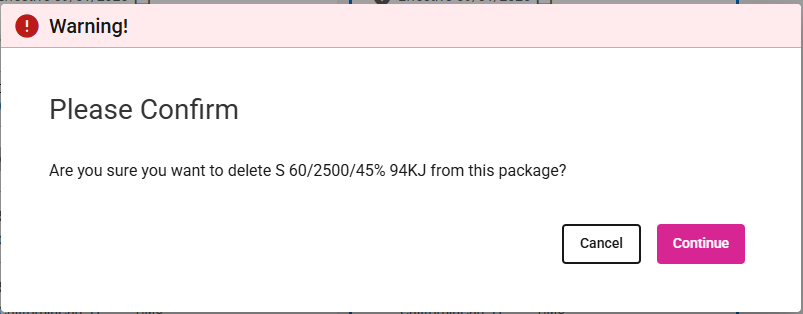
- Click the three dots icon in the plan row of the plan you want to delete, then select Delete Plan.
- Click the Continue button to delete the plan.
- Click the Cancel button to stop the deletion of the plan.
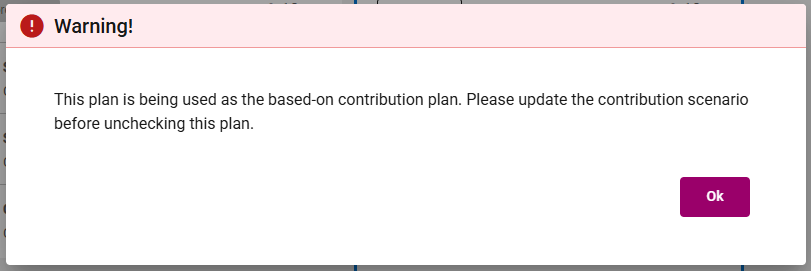
- If you want to delete/remove a plan that is currently set as the Contribution Basis Plan, you must choose another plan as the Contribution Basis Plan before proceeding.