Last updated on May 13, 2026
- Delete Plan
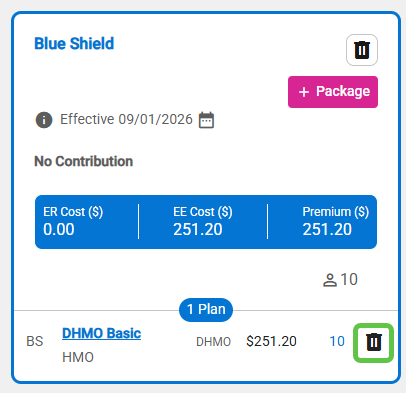
- Click on the trash can icon in the plan row to delete the plan.
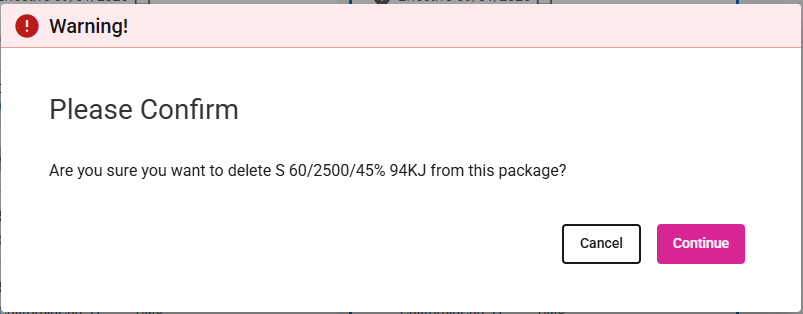
- Click the Continue button to remove the plan.
- Click the Cancel button to stop the plan from being deleted.
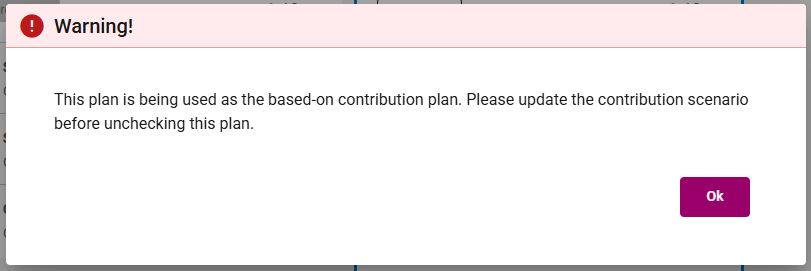
- If you want to delete/remove a plan that is currently set as the Contribution Basis Plan, you must choose another plan as the Contribution Basis Plan before proceeding.
- Click on the trash can icon in the plan row to delete the plan.