Last updated on May 1, 2026
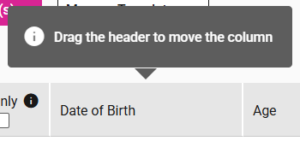
- Hover on the column label to reorder columns.
- Click, hold, and drag the column to change its appearance and move it.
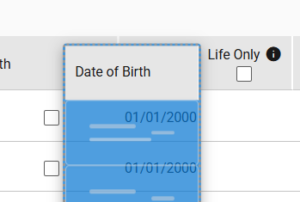
- A message notifies that the column order has changed.

- The column order stays the same unless you adjust it or click ‘Default Column Order’ to reset it.
- A notification message confirms that the default column order was restored when ‘Default Column Order’ is selected.