Last updated on May 4, 2026
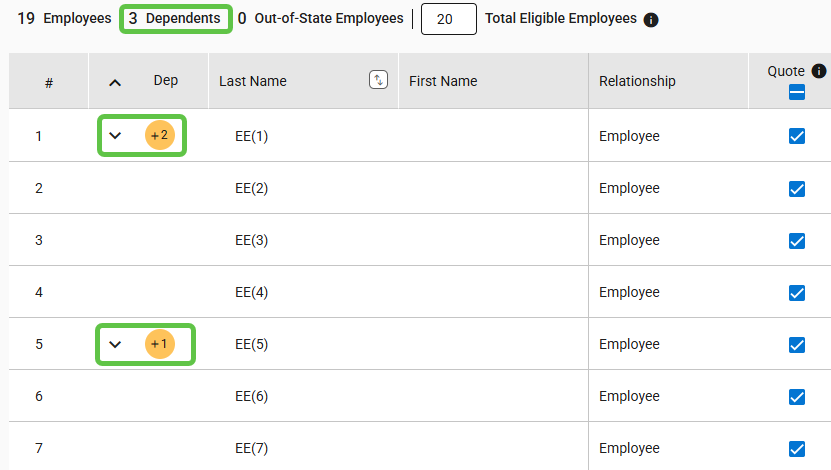
- By default, the dependent rows are hidden.
- Expand the dependent rows for all employees by selecting the down arrow in the Dep column header.
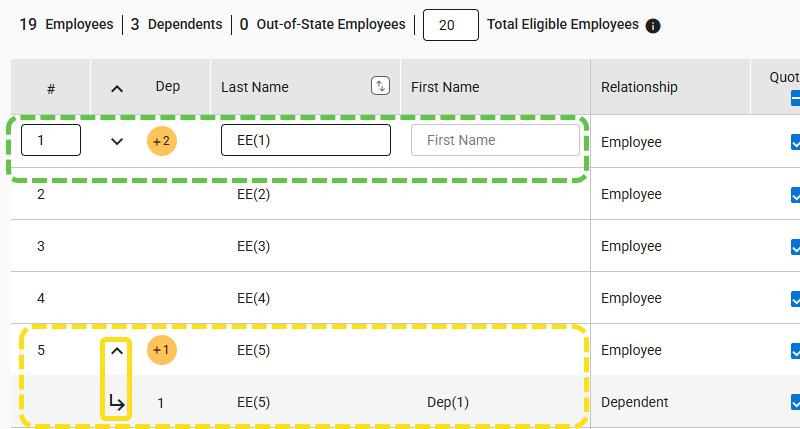
- To view an employee’s dependents, click the down arrow in their row.
- To collapse all dependent rows for employees, please click the upward arrow located in the Dep column.
- Click the up arrow in an employee’s row to collapse their dependent rows.