Last updated on June 26, 2026
- Click the Import button to import the census from an Excel spreadsheet.
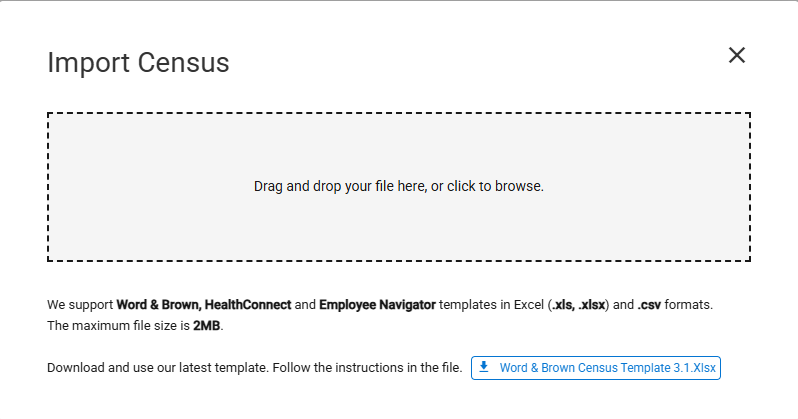
- The Import Census Data window is opened.
- The Word & Brown template is available to download again by clicking the “Excel Census Template” link.
- The file must contain all the required columns in the order reflected in the template.
- Drag and drop the file into the window or click on the gray box to select a file.
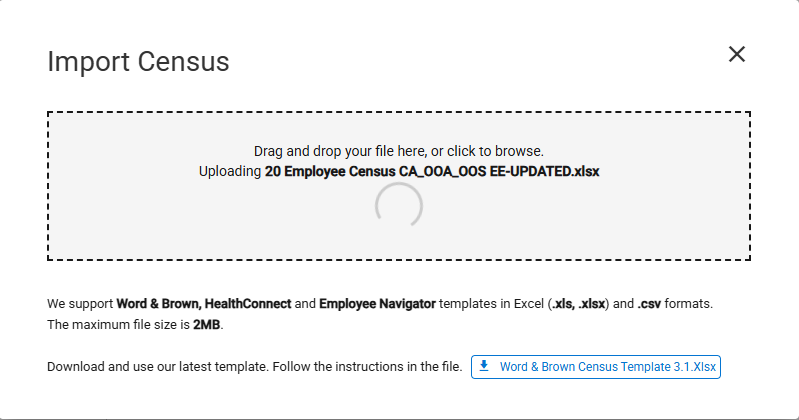
- The import automatically starts as soon as the file is added. The file name being uploaded is displayed.
- The Employee’s Last Name and associated Dependents are set to EE (#) if the Last Name is not imported.
- Examples: EE(1), EE(2), EE(3)
- The Dependent’s First Name is set to DEP (#) if the First Name is not imported.
- Examples: DEP(1), DEP(2), DEP(3)
- A message appears indicating that the census has been imported.