Last updated on May 1, 2026

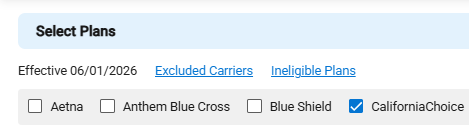
- The following information is shown:
- Number of available carriers
- Quote Effective Date as selected on the Quote Details page.
- Carrier Name
- The carriers available are based on the following:
- Quote Details
- Census data
- Plan Maintenance Rules
- The carriers available are based on the following:
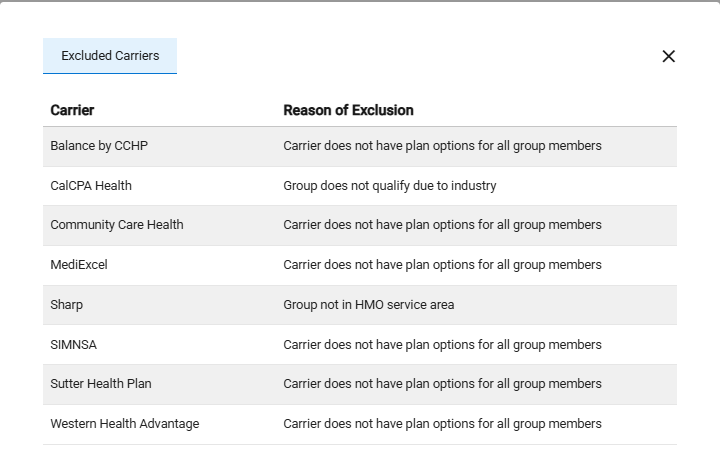
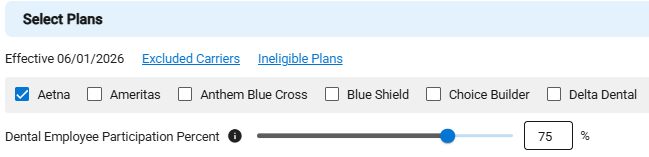
- Click on Excluded Carriers to see which carriers are unavailable for the quote.
- Each excluded carrier name and the reason for exclusion are displayed.
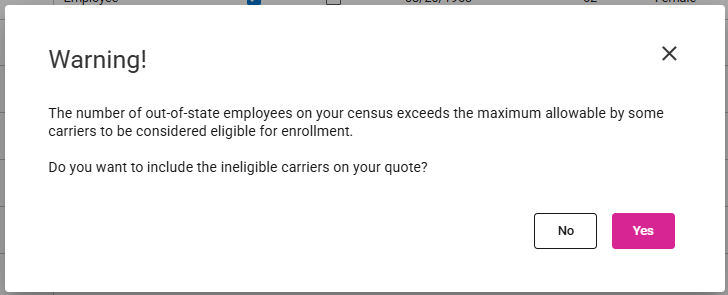
- The number of excluded carriers may be influenced by the Carrier’s OOS Rules in Plan Maintenance, depending on whether Yes or No is selected in this message.
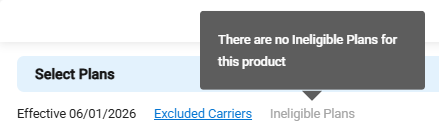
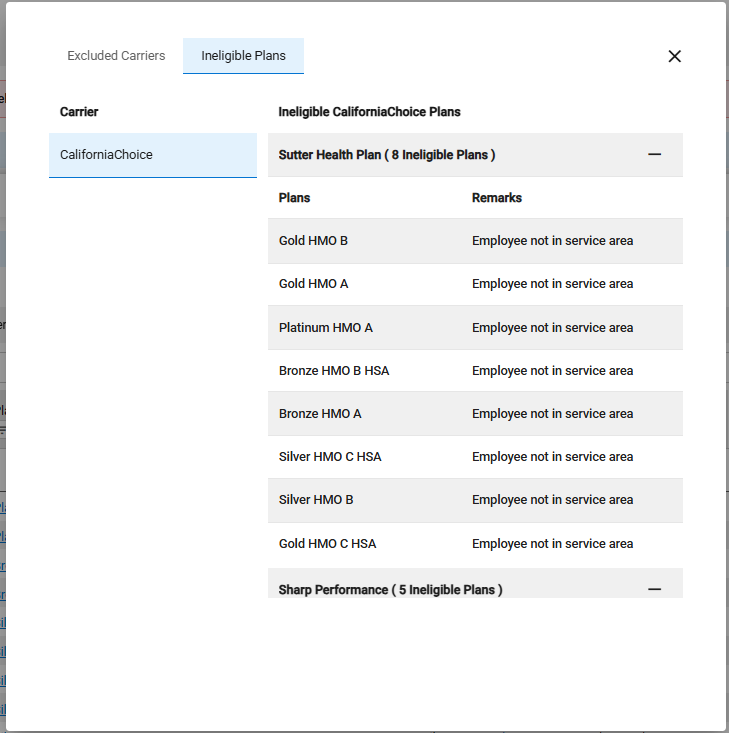
- The Ineligible Plans link won’t be available until at least one carrier is selected and the chosen carriers have ineligible plans.
- Note: If there are no ineligible plans for the selected carriers, then the Ineligible Plans link is disabled.
- Each carrier network and list of plans can be collapsed and expanded.

- One or more carriers may be chosen.
- If Aetna is selected for Dental coverage, the Dental Employee Participation Percent will appear and automatically set based on the contribution rule.
- Note: The availability or exclusion of carriers and plans depends on the quote details, census information, and the carrier’s eligibility rules in Plan Maintenance.
- When one or more carriers are chosen, the Selections Panel updates to show the number of selected carriers.
- The Product Line tab shows “Needs Action,” and a banner message appears until plans are selected for each carrier.
-