Last updated on May 13, 2026
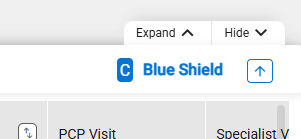
- Expand/Hide – Used to show or hide the bottom panel.
- Drag Handle – Click on and drag the bottom panel to a different location (Up or Down).
- Back to Top – Used to move to the top of the bottom panel.
- Displays after scrolling down the plan list.
- Label is displayed upon hover over.
- Displays after scrolling down the plan list.