Last updated on May 6, 2026
- For Dental: Choose Yes for Prior Dental Coverage if the employer has previously provided dental coverage.
- Use the plus/minus buttons or enter a number to select the number of packages to create.
- Note: The maximum total of packages created is 20.
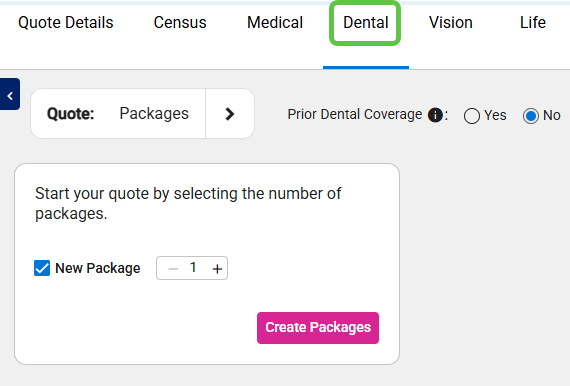

- Click the Create Packages button
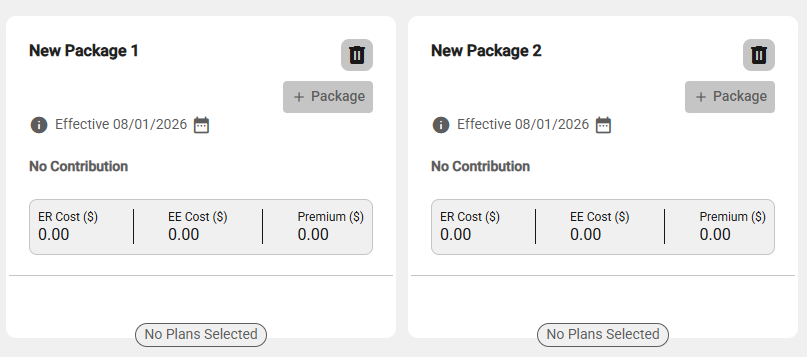
- The placeholder packages are shown.
- The default focus is on the leftmost package, which is outlined in Blue.
- To browse the packages, drag them with the mouse or click the arrows on either side of the top panel.
- Additionally, use the package arrows at the top. The Package (Total) arrows appear when one or more packages are out of view.
- Note: When you leave the screen, any placeholder package (one without a selected carrier) is automatically removed.