Last updated on May 6, 2026
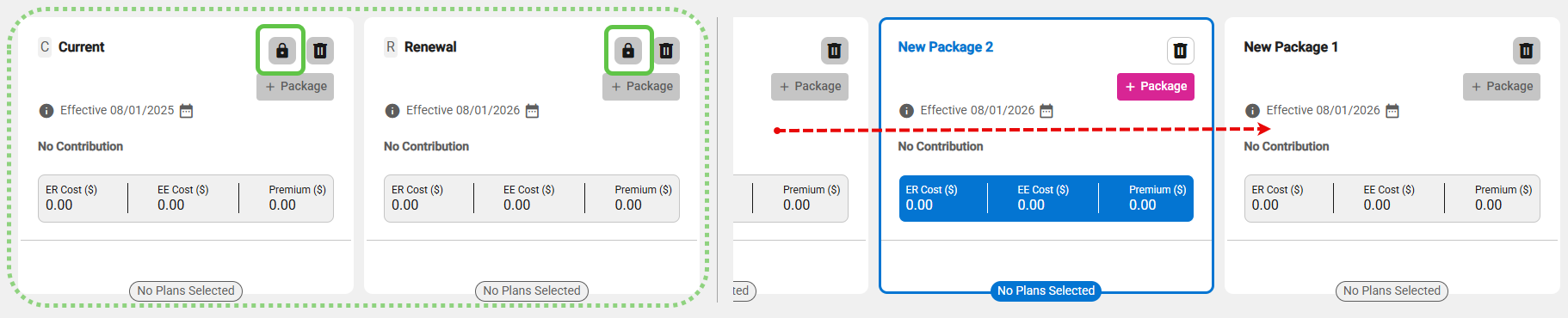
- The purpose of locking packages is so that you can lock Current and/or Renewal packages in place while scrolling through additional packages in the deck, to compare against Current and/or Renewal.
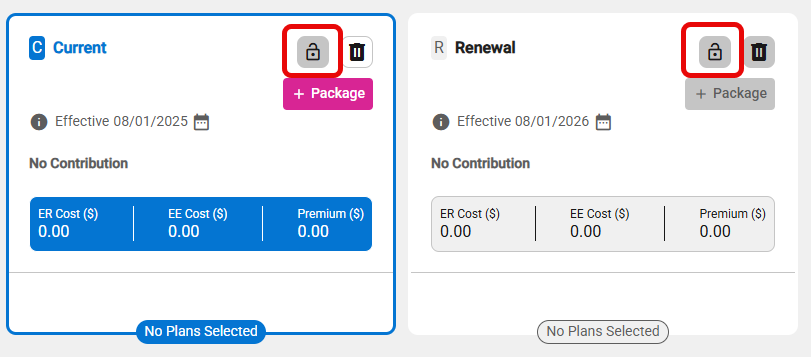
- The Lock icon is inactive when only Current and Renewal packages exist.
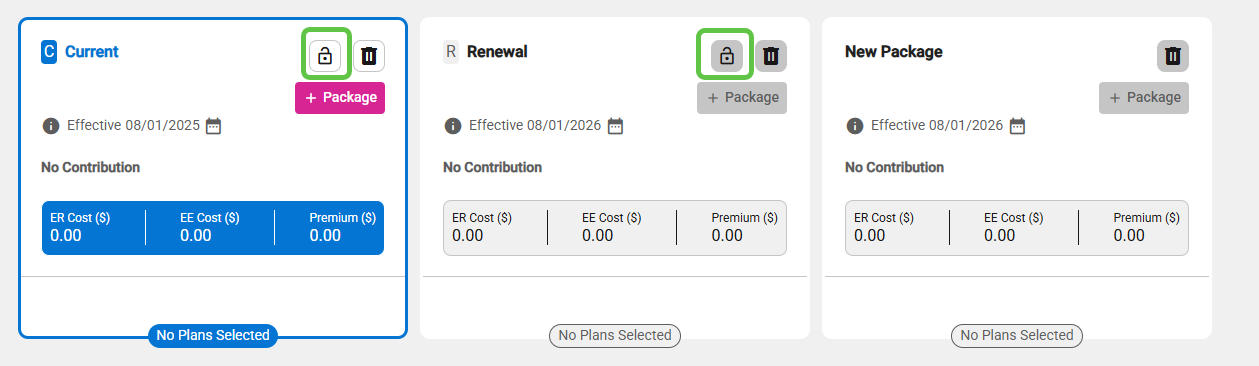
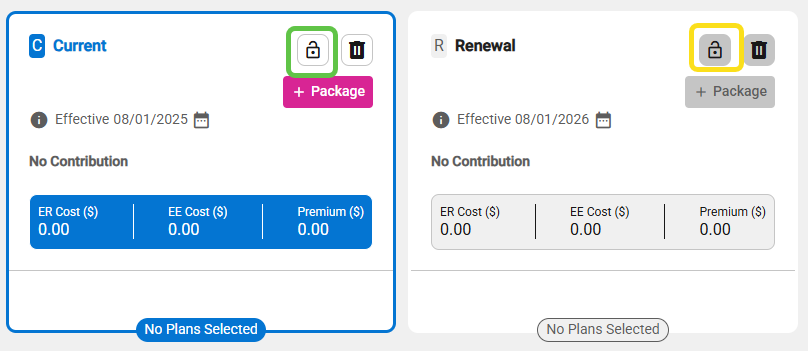
- Lock the Current and Renewal packages by clicking the Lock icon if at least one comparable package is in the quote. Locked packages stay visible as you browse others; click the icon again to unlock.
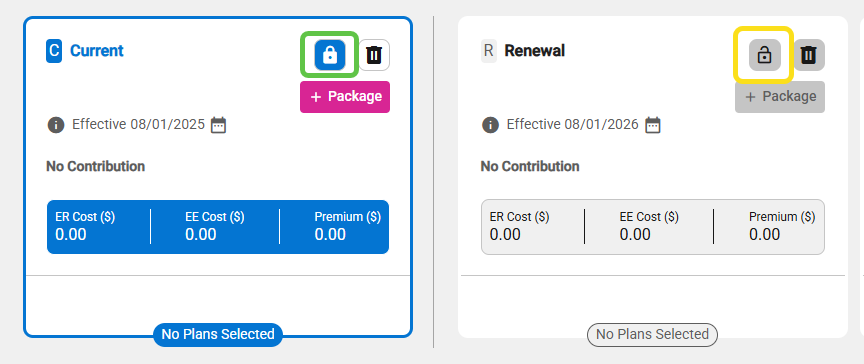
- You can lock the Current package independently of the Renewal package.
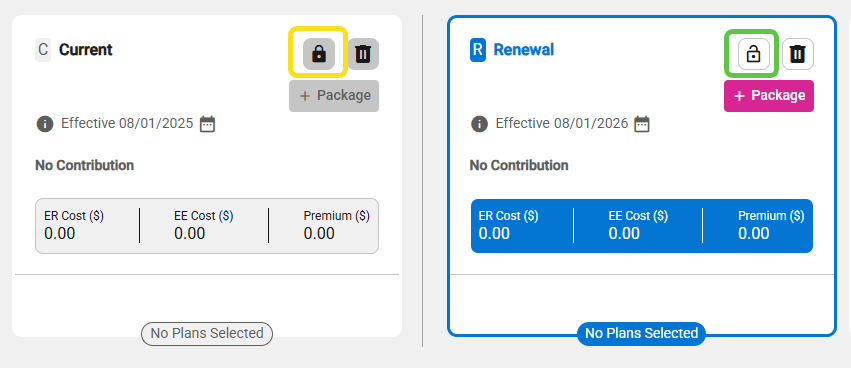
- Upon unlocking the Current package, the Renewal package will also be automatically unlocked if it was previously locked.
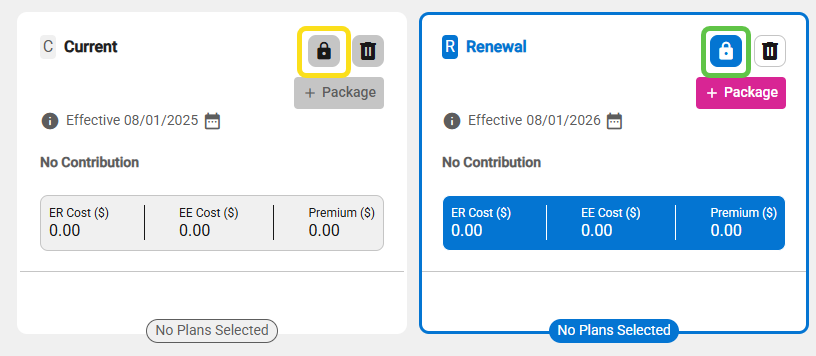
- You can lock the Renewal package; the Current package will be automatically locked if it was not previously locked.
- Upon unlocking the Renewal package, the Current package remains locked.