Last updated on May 6, 2026
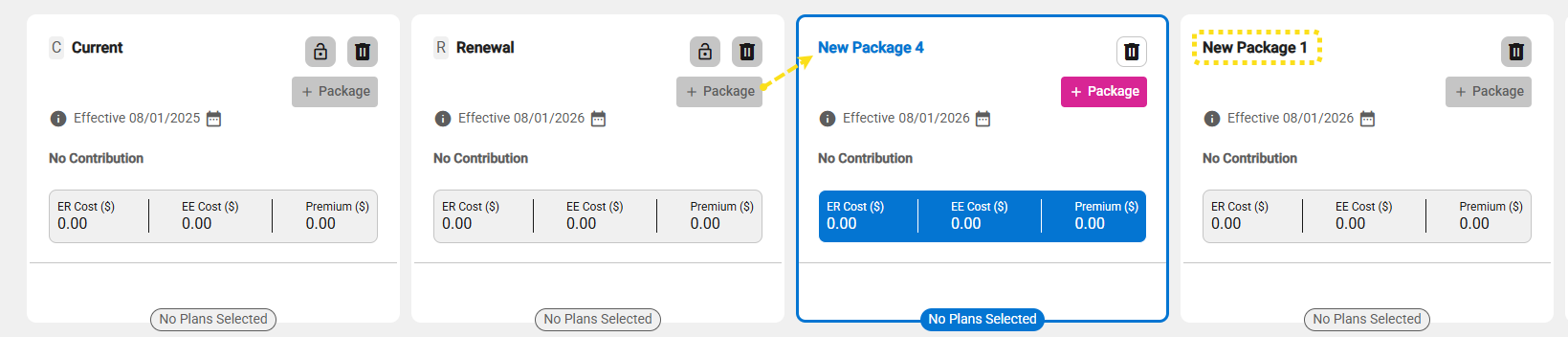
- Click the + Package button to add more packages.
- Options will be dynamic depending on current selection or package state
- Add a new (comparable) package from Current, Renewal or New (comparable) packages.
- Add the Current package from the Renewal or New (comparable) package.
- Add the Renewal package from the Current or a New (comparable) package.
- Copy a Package to create a copy of a Package which has Carriers and or Plans selected
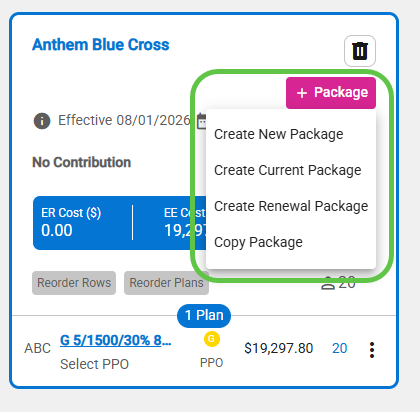
- Note: Except for Current and Renewal (which always appear in the first two slots) the new package will be added next to the package from which it was created.