Last updated on May 11, 2026
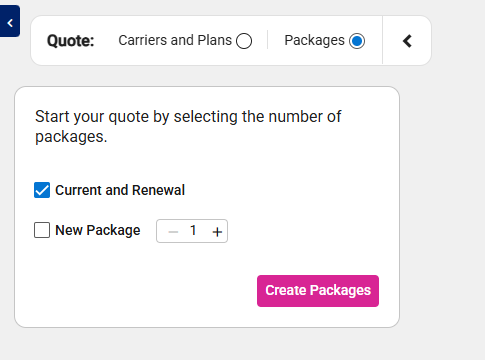
- Click Create Packages with Current and Renewal selected.
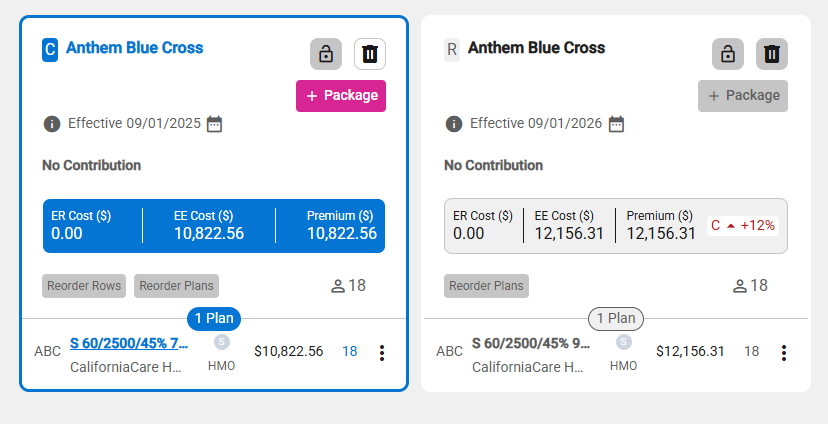
- A placeholder package is displayed for both Current and Renewal.
- Select carrier(s) for the current package.
- The selected carrier(s) display on both the current and renewal packages.
- If the selected carrier(s) isn’t available for renewal, the placeholder remains blank and requires manual selection.
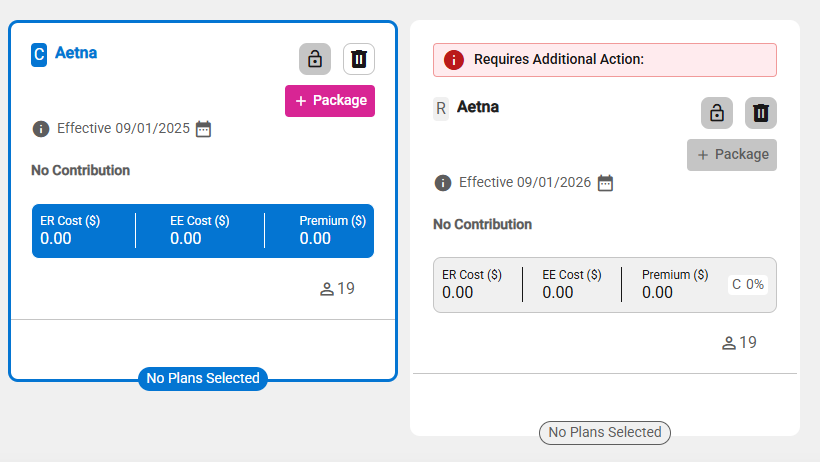
- Select plan(s) for the current package.
- If a selected plan is not eligible for renewal, manual selection of a plan will be required.
- When plan(s) are selected for the current package, comparable plan(s), determined according to the effective date and Plan Maintenance rules, will be automatically included in the Renewal package.