Last updated on May 13, 2026
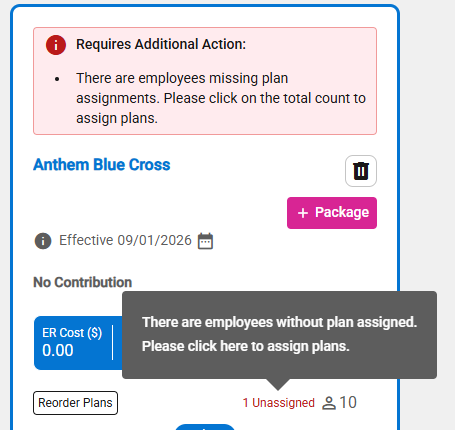
- A “Requires Additional Action” warning banner/message appears in the package if package selections haven’t been fully completed.
- A warning banner appears for a package that requires additional action.
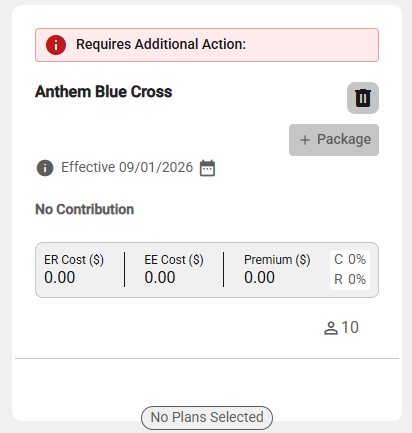
- Upon selecting the package, the warning message will appear as follows:
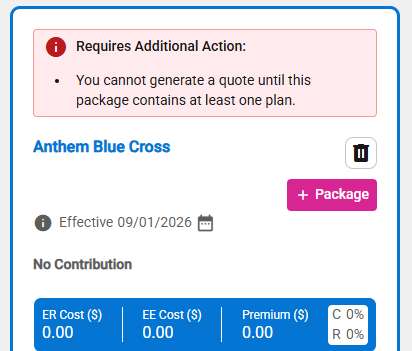
- The package does not include at least one plan.
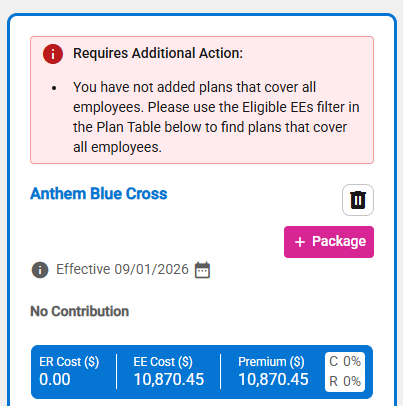
- The package does not contain at least one plan that provides coverage for all employees.
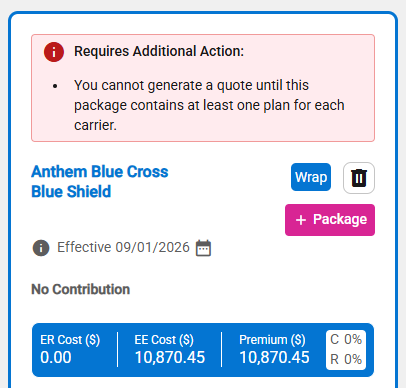
- The package does not contain at least one plan for each carrier (Wrap – Medical Only).
- This occurs when one or more employees have not been assigned to a specific plan.
- Note: Clicking “Number Unassigned” text opens the Assign Plans tab automatically.