Last updated on May 13, 2026
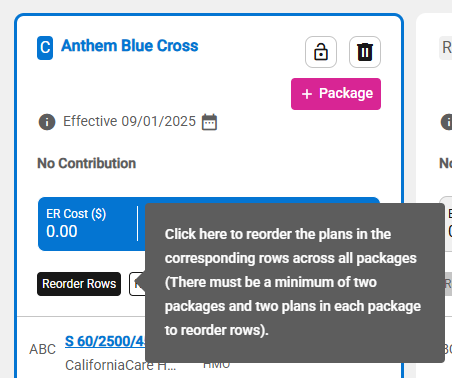
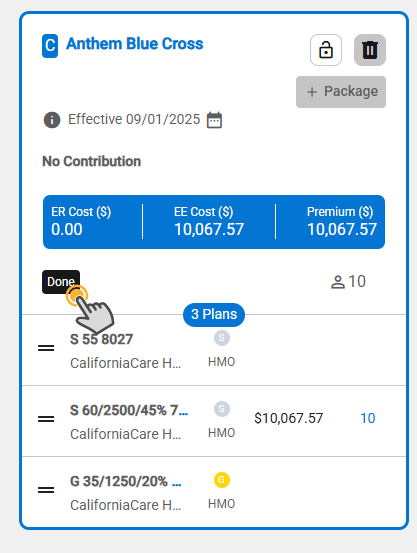
- Upon hovering over the Reorder Rows button, a tooltip is displayed.
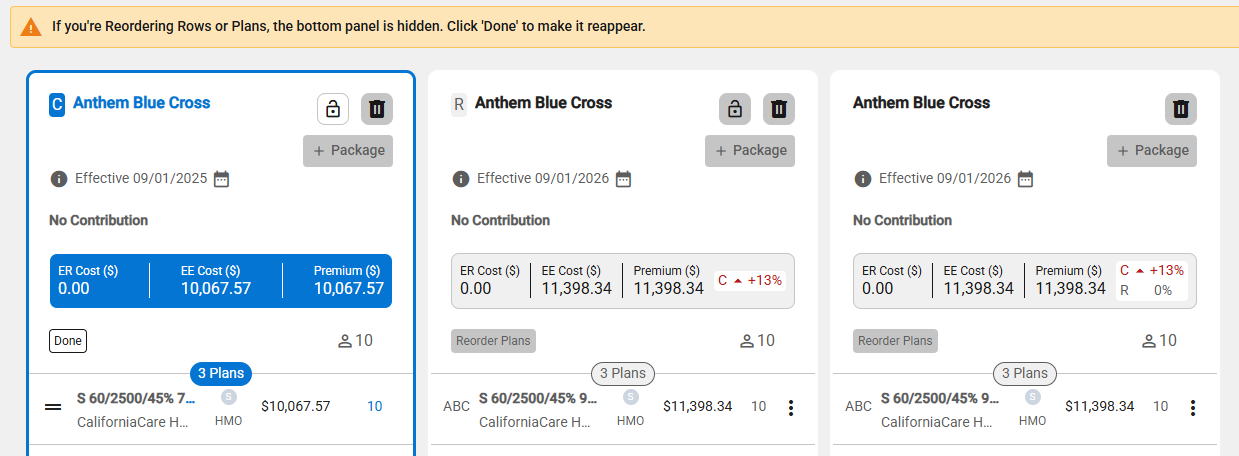
- Click the Reorder Rows button to reorder the plan row across packages.
- Note: A banner message indicates that the bottom panel is not displayed until the Done button is clicked.
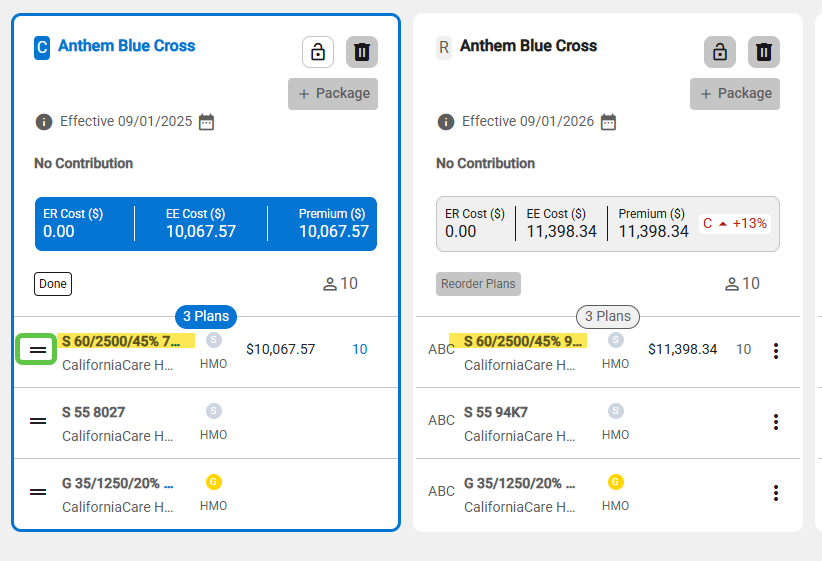
- Click the “=” icon next to the plan name, hold and drag to the new location.
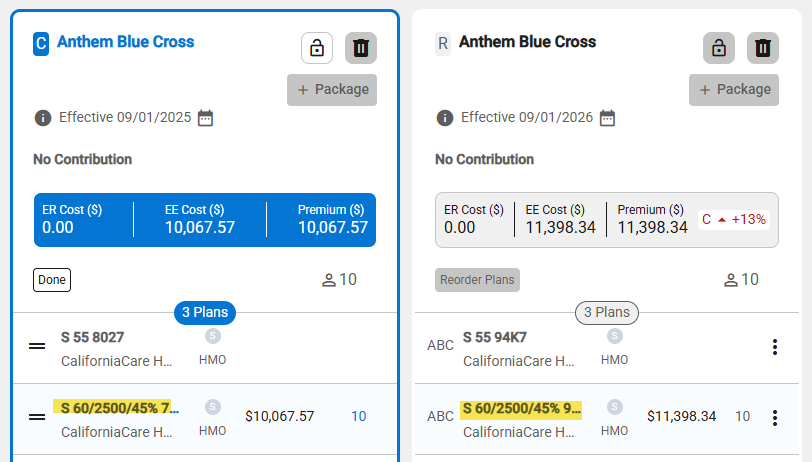
- The plans in the same row across packages are moved.
- Click the Done button to finish the row reorder.