Last updated on April 30, 2026
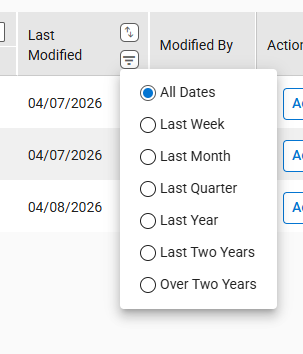
- Use any of these columns to filter quotes displayed in the grid.
- Select filtering options for one or more columns.
- The filtering options are available based on the available quotes.
- Effective Date
- The date range displays the From and To dates based on the Quote Effective date associated with the available quotes.
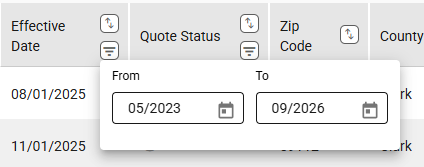
- You can enter a month and year.
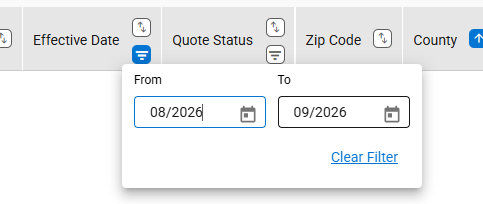
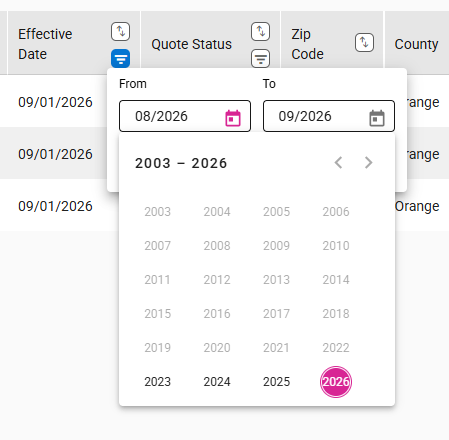
- You can click on the calendar icon to select the dates. Select a year and then a month.
- State
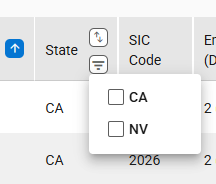
- If there are no Nevada quotes, NV will not be available for selection.
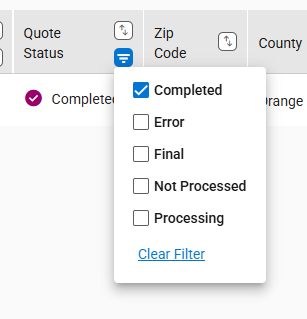
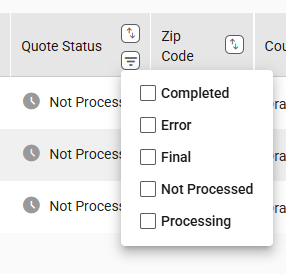
- Quote Status
- If there are no quotes with a status of Error, Error will not be available for selection.
- Last Modified (Date)
- Effective Date
- You can clear individual filters by clicking the Clear Filter link available within the column.
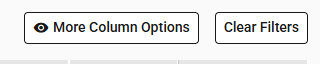
- To remove all filters, select the “Clear Filter” button.
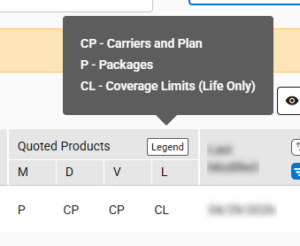
- The Quoted Products column shows the quote type for each product line but has no filter.