Last updated on April 30, 2026
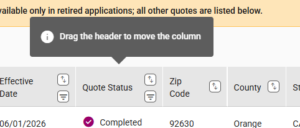
- You can change the order of the columns in the Dashboard table/grid by clicking on a column label/header.
- Click and hold the mouse changes the appearance of the column, then drag it to the new location.
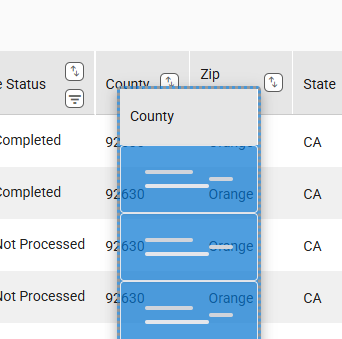
- A message is displayed indicating the column order change is successfully.

- The column order stays the same until you change it or choose to restore the default order by clicking the Default Column Order button next to the More Column Options button.

- A message is displayed indicating the default column order has been restored.