Last updated on May 15, 2026
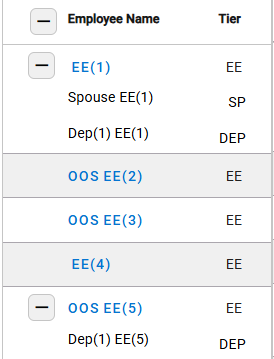
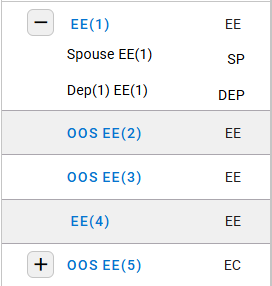
- The Census column contains the following:
- Name of employees and dependents.
- Tier for each employee and dependent.
- Plus button to expand the details for each employee and their dependents.
-
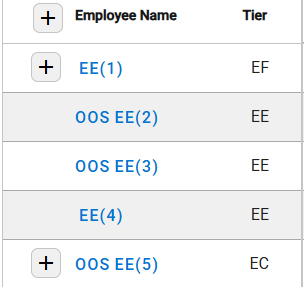
- Changes to Minus button to collapse the details.
-
- Plus button to expand the details of an employee their associated dependents.
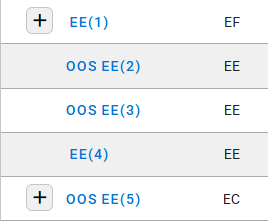
- Changes to Minus button to collapse the details.
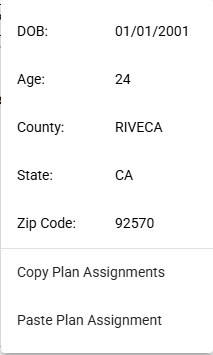
- Select the Employee Name to see the employee’s census details.
- Click on Copy Plan Assignments to duplicate the assigned plans.
- Choose a different employee, then click Paste Plan Assignment to apply the copied plan assignments.