Last updated on May 12, 2026
Note: Before assigning, please ensure that the plans are properly aligned across all packages; for example, HMO plans should be placed in the same row, while PPO plans should be arranged separately in another row.
Use the Reorder Plans feature within the package to modify the sequence of plans for that specific package.
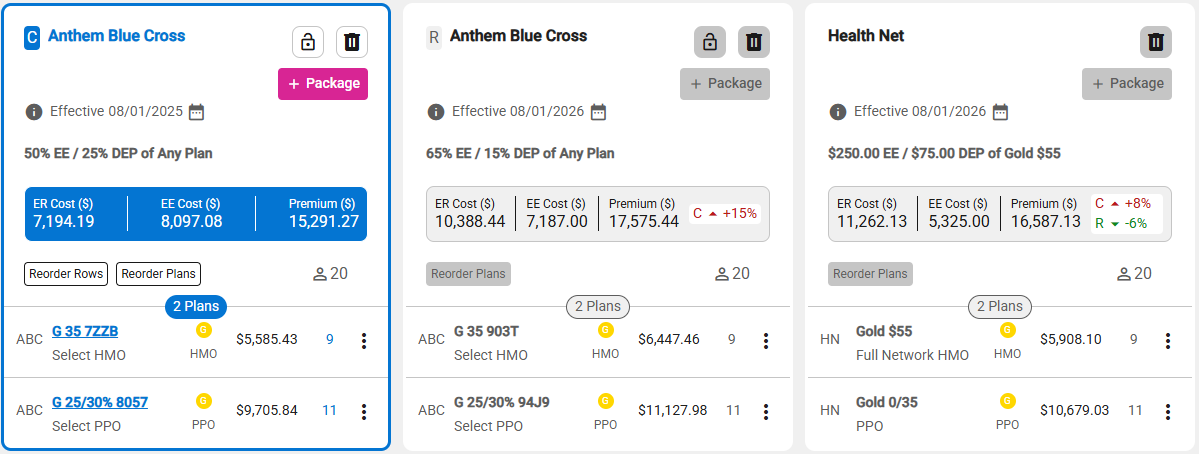
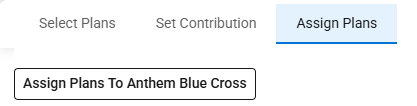
- When the ‘Assign Plans To All Packages’ button is selected, a screen appears allowing users to assign plans across all packages, displaying the following information:
- The grid/table displays the following columns:
- Census
- Packages – for each package associated to the product line.
- The first package is designated as “Assign Plans To All Packages”.