Last updated on May 11, 2026
- The following is displayed:
- Package Name – shows the selected package name
- Discard Unsaved Changes button – Enabled when there are changes.
- Save button – Enabled when there are changes.
- “Apply Contribution to All Packages” selection toggle – When selected, the contribution type and values are added to each package.
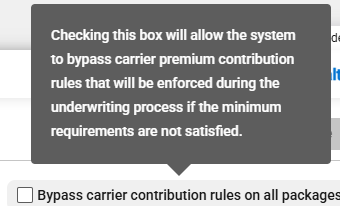
- “Bypass carrier contribution rules on all packages” checkbox – When selected, the carrier’s contribution rules are not applied to any package for the product line. The contribution may need to be adjusted during underwriting.
- Contribution Types:
- No Contribution – Default selection
- Percentage
- Dollar Amount