Last updated on May 1, 2026
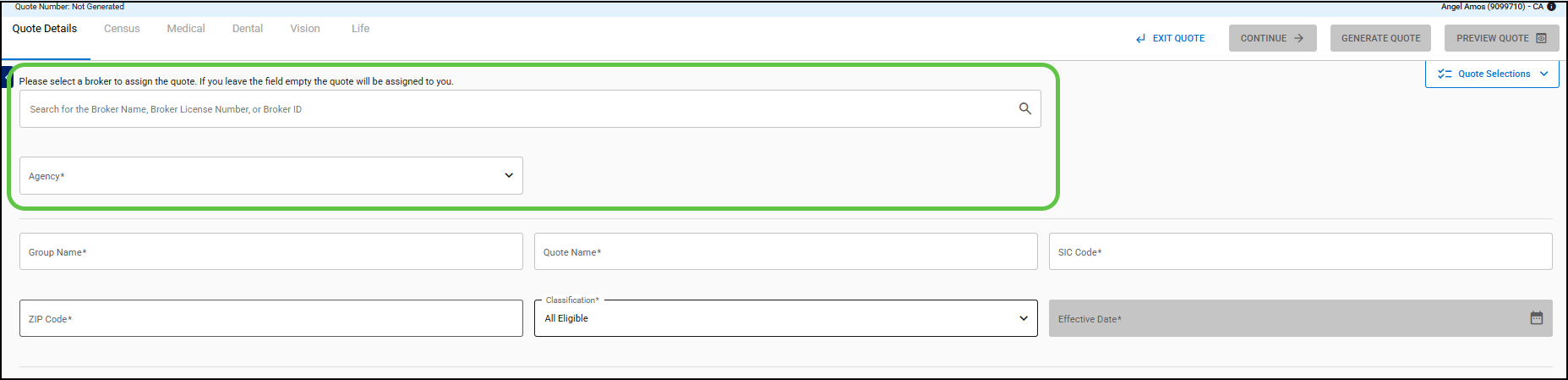
- Word & Brown employees with the roles of Admin or Staff can search for a broker using the Broker Name, Broker License Number, or Broker ID.
- You have the option to search for a broker or choose your Agency to assign the quote to yourself.
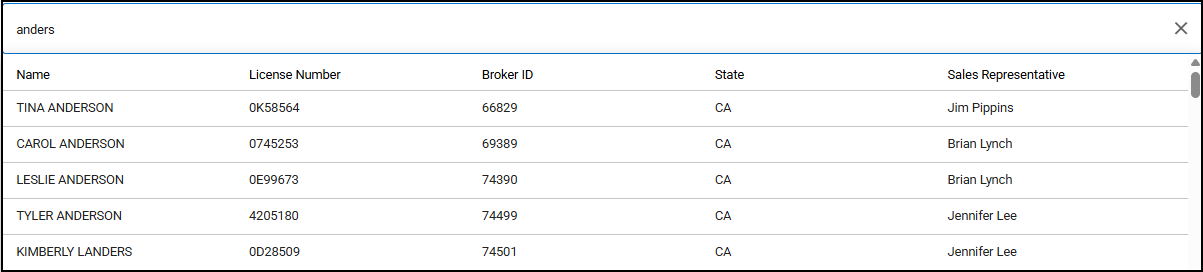
- To search for a Broker, begin entering the broker’s name.
- You need to enter at least three characters.
- The results will appear automatically.
- Click on a Broker; the Broker details, including Agency Name, are displayed.
- To change the broker, click the “X” to the right of the sales representative’s name to remove the broker.
- The Agency will show an error message until you select either a broker or an agency.