Last updated on May 1, 2026
- Most fields are the same as in our other quoting applications, WBQuote and WBQuote Lite, so you may find the following familiar.
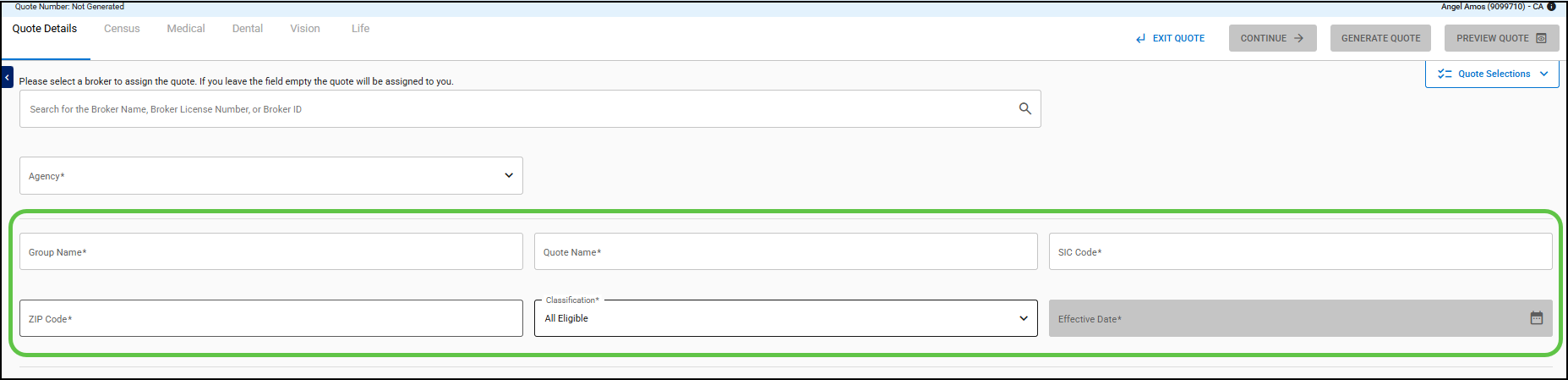
- Enter the name of the group.

- The Quote Name is set to the Group Name.

- The Quote Name can be changed.

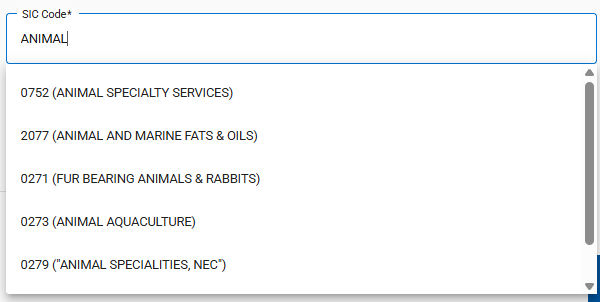
- Enter a code or text to find an SIC Code.
-

- Select the valid SIC Code for the quote.
-
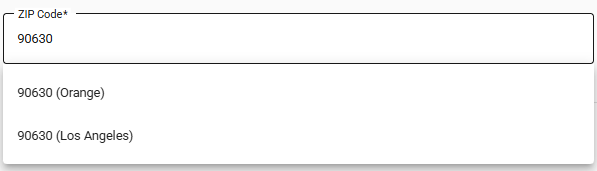
- Enter the Zip Code.
- Additional counties are shown when the Zip Code covers more than one county.
-
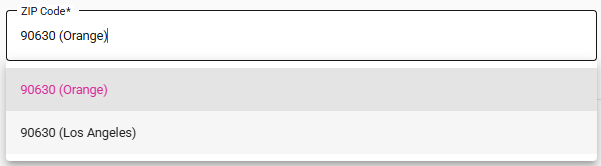
- Upon tabbing or moving to another field, the Zip Code automatically updates to the first county displayed.

- The displayed Zip Code and County combination can be changed.

- The Classification field is defaulted to All Eligible.

- The Classification value can be changed to one of the following:
- Hourly
- Management
- NonUnion
- Salary
- Note: The carriers, plans, and rates available may vary depending on the selected classification.
- The available Effective Dates are displayed after the Agency is selected.
-

- Click on the Effective Date field to choose a date.
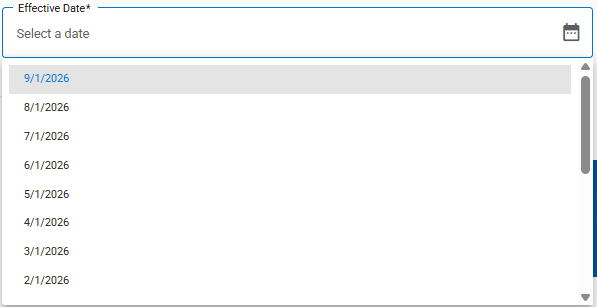
- The available Effective Dates depend on Plan Maintenance and the assigned role (Broker, Admin, Staff).
-
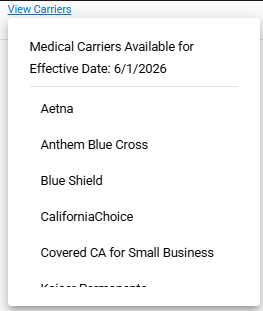
- The View Carriers link is available once you select an Effective Date.
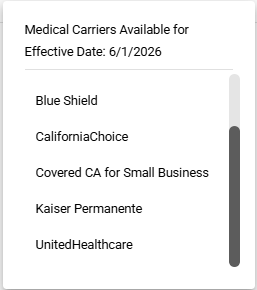
- The list of available carriers for the selected date is displayed when you click the link.
- You can scroll to see the rest of the list.
- Note: All fields must be completed before navigating to the Census page