Last updated on May 13, 2026
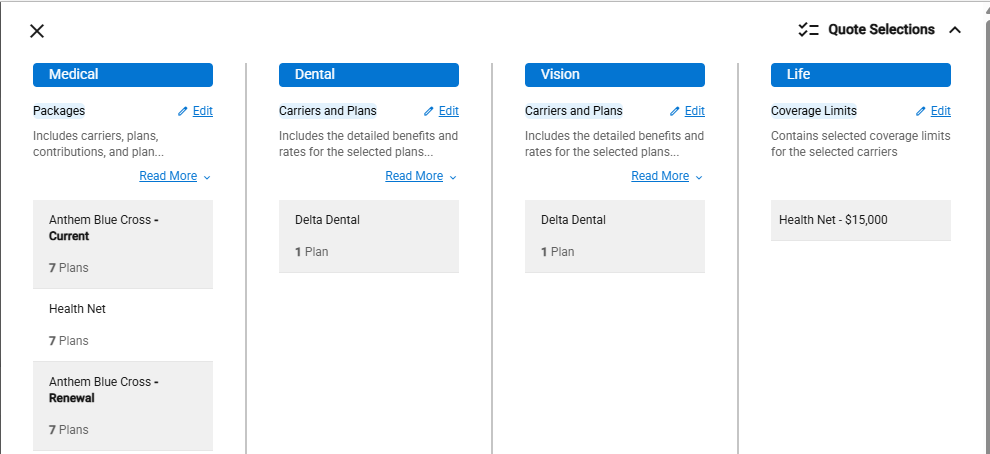
- Click Quote Selections from any screen to view the selections for all the product lines.
- If no product lines are set up, the Quote Selections screen shows “No Selections”.
- Click the +Add button to directly access the Coverage page for a product line.

- Once a product line is set up, the screen shows the following for the product line.
- Quote Type
- Edit Link – direct access to the Coverage page for the product line.
- Description
- Selected Carriers
- Number of Plans (Medical, Dental and Vision)
- Coverage Limits (Life)
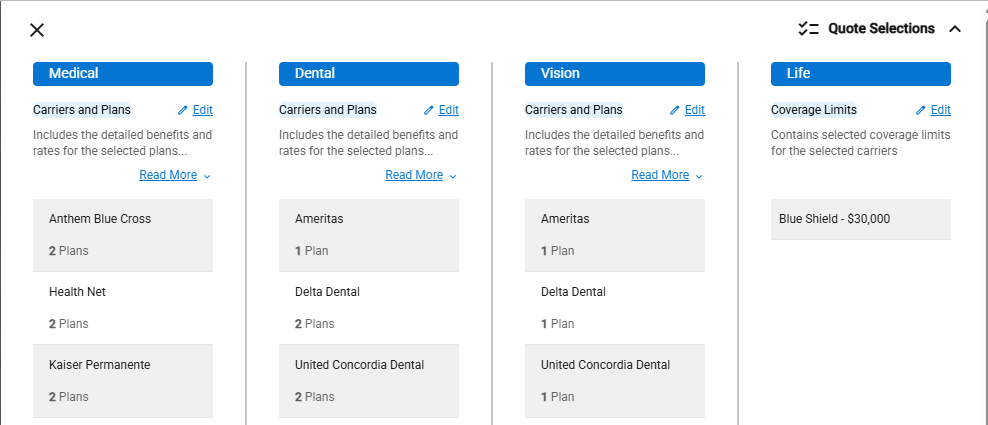
Example: Carriers and Plans Quote Type
Example: Packages Quote Type and Life Coverage
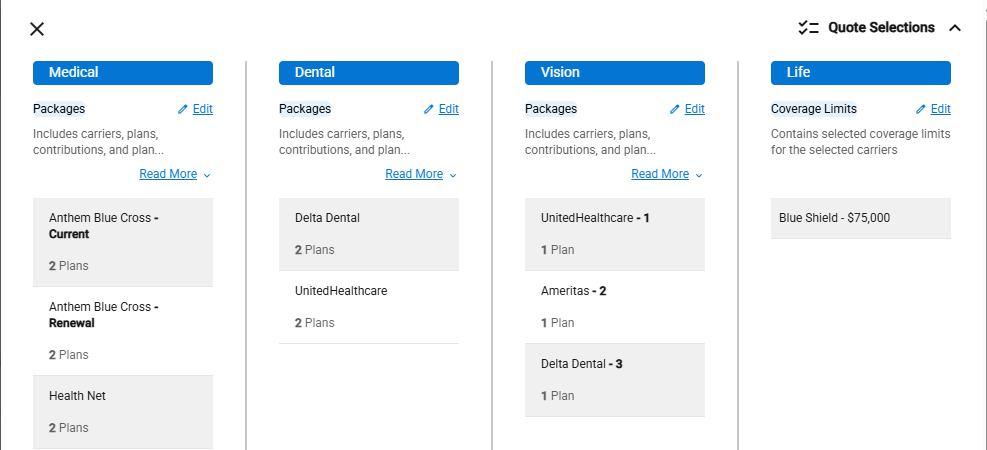
Example: Packages, Carriers and Plans Quote Types